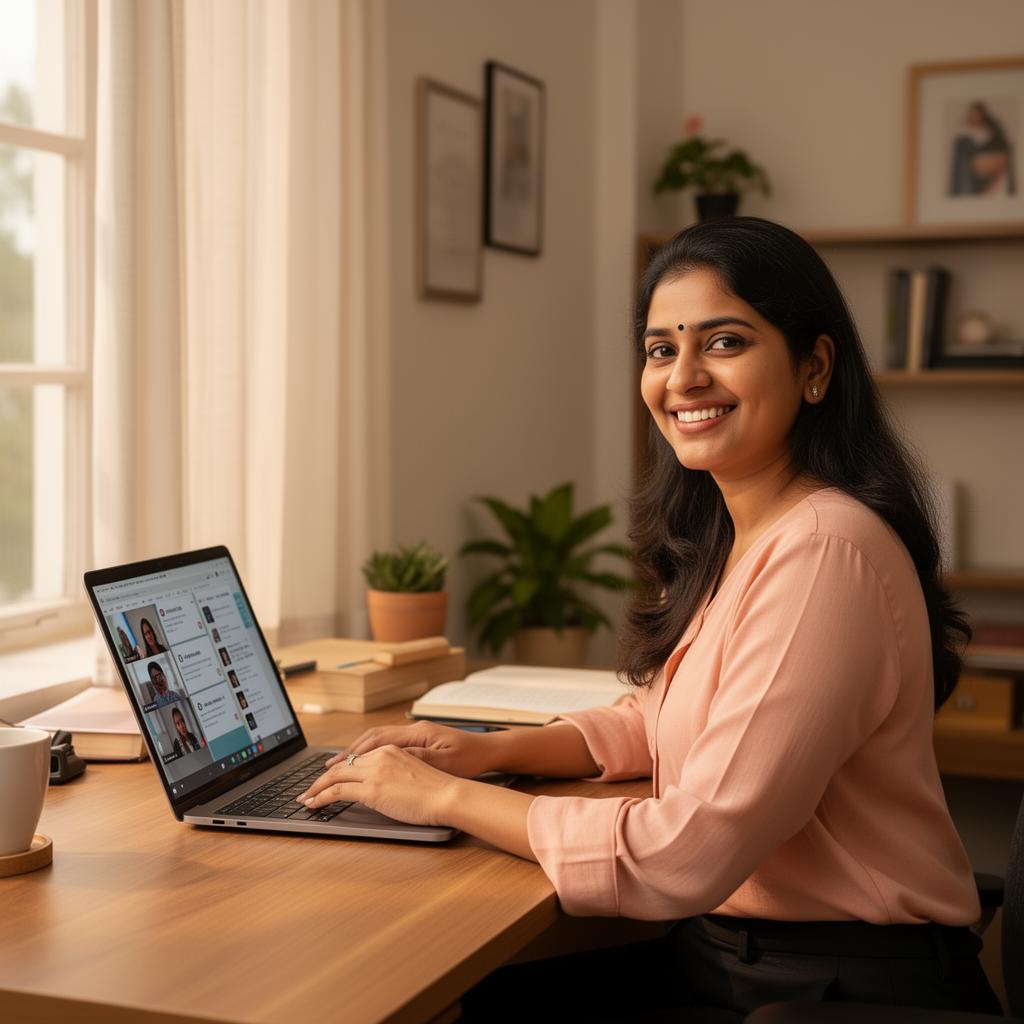
Learn from anywhere, with the same personal attention.
Our online English classes run live on Zoom or Google Meet — with small batches, real speaking time, and the same trainers who teach at our Sakchi centre.
How it works — 5 simple steps.
-
1Book a free demo
Fill the contact form or message us on WhatsApp.
-
2Receive your link
We send a Zoom or Google Meet link via WhatsApp / email.
-
3Join the live session
Camera on, mic ready — your trainer is waiting.
-
4Practice with feedback
You speak, the trainer gives specific, kind feedback.
-
5Track your progress
Weekly milestones so you always know where you stand.
Around 2 Mbps is enough. Most home Wi-Fi or 4G hotspot connections work fine.
With a working camera and microphone — built-in is fine, no special gear needed.
Earphones with a mic help reduce echo and improve your speaking practice.
No surprises on day one.
Once you confirm a batch, you'll get a single recurring class link via WhatsApp and email. Open the link, allow camera and mic, and you're in. Classes are live and interactive — never pre-recorded — and capped at small batch sizes so every learner gets speaking time.
- • Working professionals with no time to commute
- • Students juggling school and tuition schedules
- • Homemakers managing household timing
- • Anyone outside Jamshedpur or travelling regularly
Online class questions
- Will I get enough speaking practice online?
- Yes. Our online batches are deliberately small so every student speaks in every class. Many learners get more speaking time online than in larger in-person batches elsewhere.
- What if I have technical issues during class?
- Tell us on WhatsApp and we'll either help you join again immediately or share a recording so you do not lose the session.
- Can I switch to in-person classes later?
- Yes — you can move to our Sakchi centre between batches, or even mid-batch if your schedule allows.
- Which platform do you use — Zoom or Google Meet?
- Both. Most batches run on Google Meet; some specialised cohorts run on Zoom. You will know your platform before the demo.
- Do I need to install special software?
- No paid software. Google Meet runs in your browser; Zoom has a free app for phone or laptop. We help you set it up before your first class.
Try an online demo class — free, no commitment.
A 30-minute online session is the easiest way to see how it works.
Book Free Demo Class